To initiate a reading, call startCountdown on the BacTrackAPI object to begin the count-in.
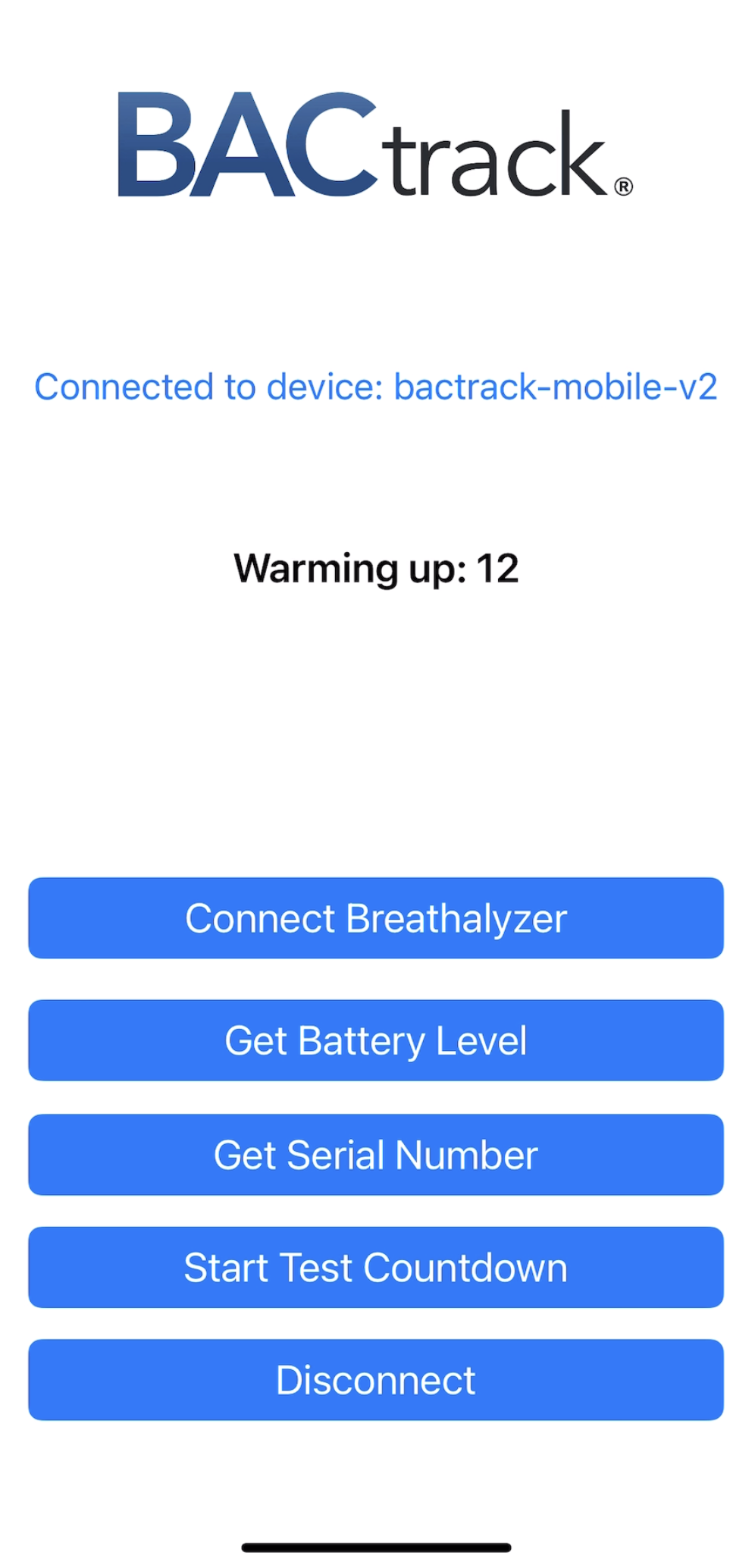
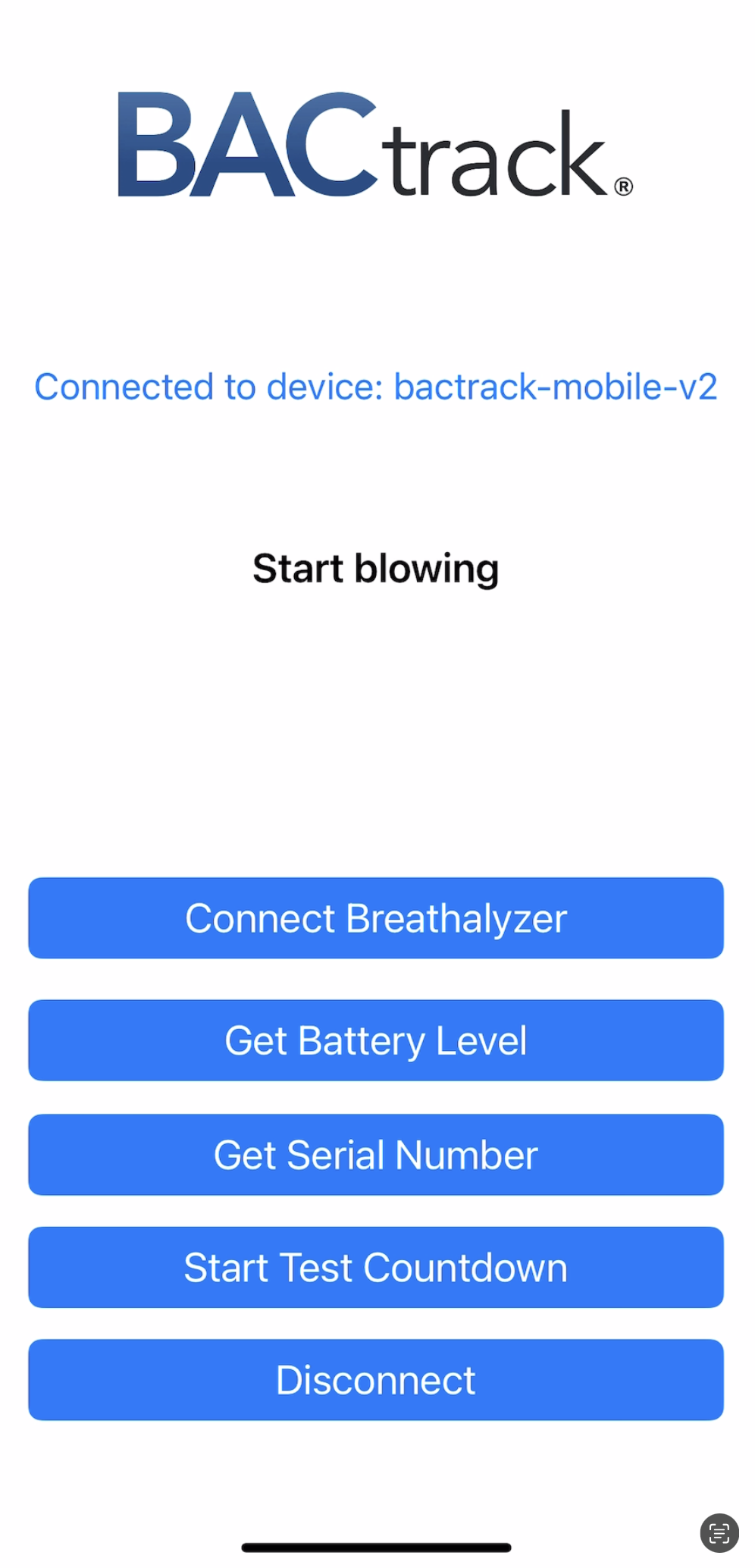
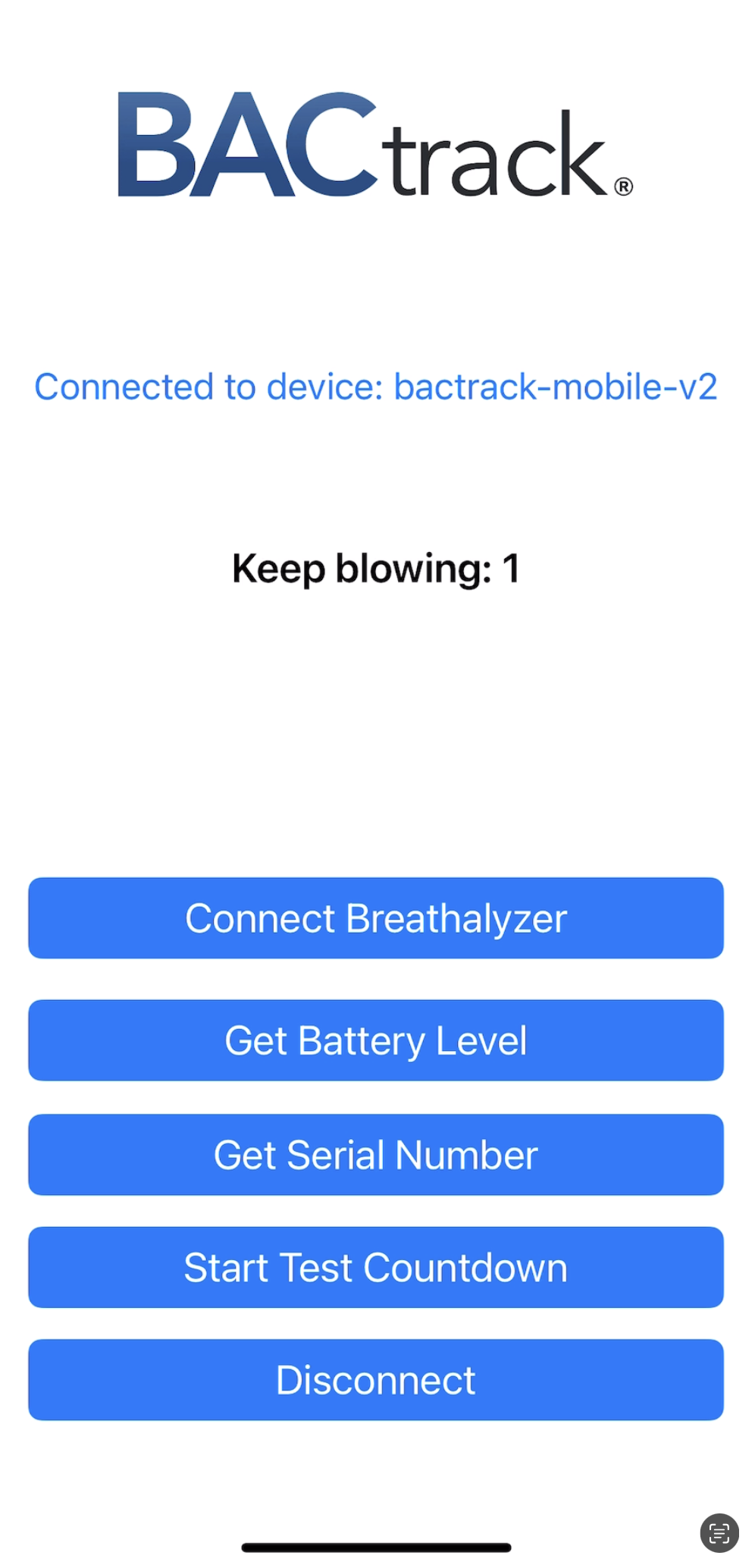
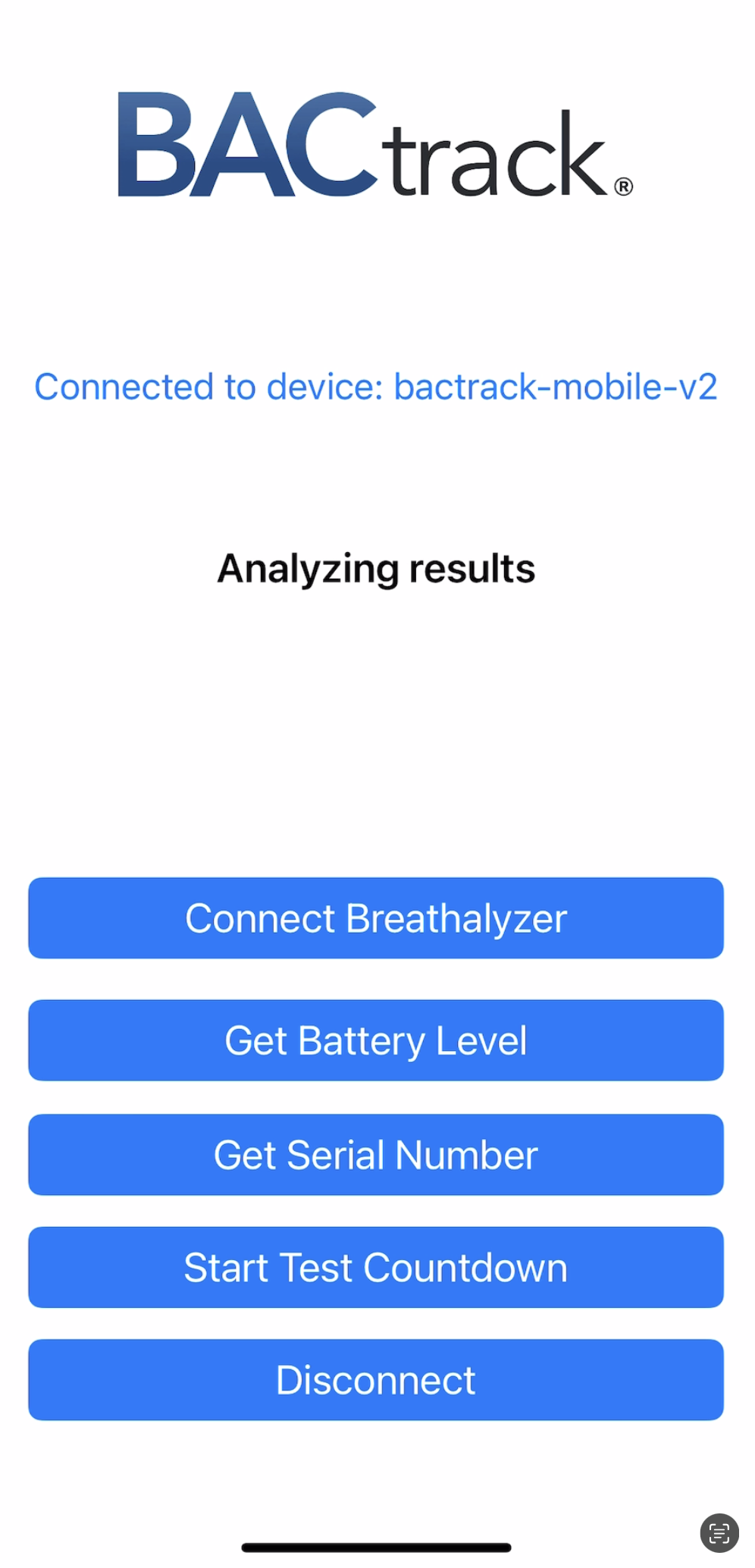
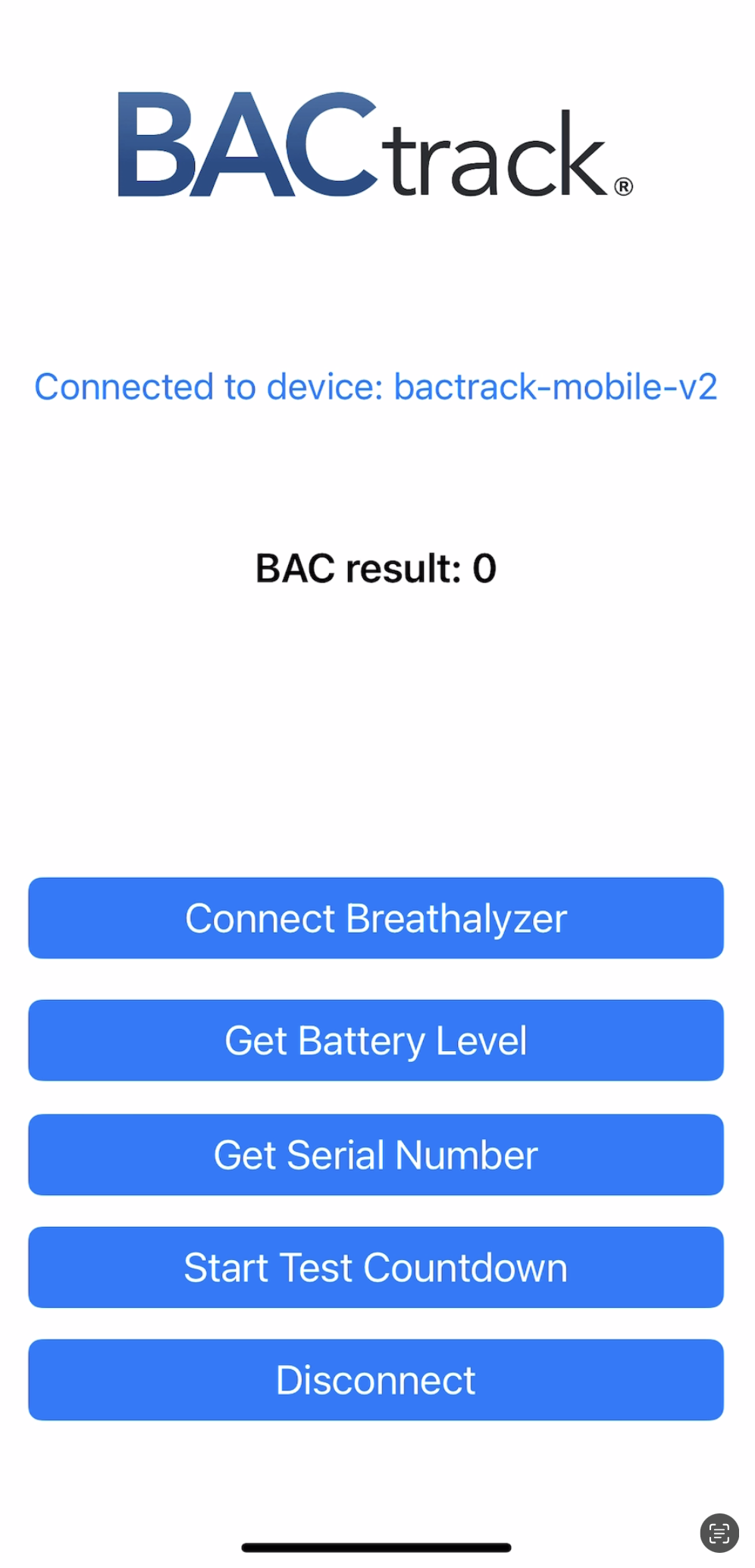
Starting a BAC test walks the user through 5 steps.
The test process consists of a five-phase series of delegate calls that your application will handle. Call startCountdown to start the test process. For each phase, the following methods on your delegate will be called:
-(void)BacTrackCountdown:(NSNumber *)seconds executionFailure:(BOOL)failure Note
that this callback may be called multiple times. The seconds parameter is an estimate of the
number of seconds until the next phase begins.
(void)BacTrackStart(void)BacTrackBlow: This callback may be called many times during the
time that the user is blowing into the BACtrack. The percentage parameter counts down, letting the user know
how much longer they must blow before the breath sample is captured.
(void)BacTrackAnalyzing Results are being analyzed. When this callback
is called, the user can stop blowing.
(void)BacTrackResults:(CGFloat)bac The test is finished and
the BAC results are delivered as the “bac” parameter.
-(BOOL)startCountdown Start the count-in until the user has to blow. This will result in a series of
“BacTrackCountdown:” callbacks. Returns true on success.
-(void)BacTrackCountdown:(NSNumber*)seconds executionFailure:(BOOL)error The BacTrackCountdown
callback informs the app of the number of seconds until the user will be requested to blow. We recommended
conveying the countdown to the end user. error will be set to TRUE if the BAC sensor rejects the
request.
-(void)BacTrackStart When this is received, ask the user to start blowing.
-(void)BacTrackBlow:(NSNumber*)breathFractionRemaining Tell the user to continue blowing. The
argument blowFractionRemaining ranges from 1.0 to 0 to inform the application of how much blow time or breath
volume remains. We recommend conveying this as a percentage to the end user so that they know how much longer
they have to blow.
-(void)BacTrackBlow Tell the user to keep blowing. This call is deprecated and will not support
newer devices. Use BacTrackBlow:(NSNumber) instead.
-(void)BacTrackAnalyzing The breath sample has been captured and BACtrack is analyzing the result.
-(void)BacTrackResults:(CGFloat)bac Result of the blow as a BAC percentage. For example, .08 %BAC is
reported simply as the value .08.
-(void)BacTrackError:(NSError *)error Called when an error occurs. See the “Types and Constants
Reference” for information on error codes.